If you have a Google Play card you don’t intend to use—whether it’s a gift you received, an extra from a promotion, or you simply prefer other digital services—swapping it for another gift card or even cash (in some cases) is a viable option, though it’s key to remember Google doesn’t offer an official swap or refund service for Play cards, so you’ll need to use trusted third-party platforms.
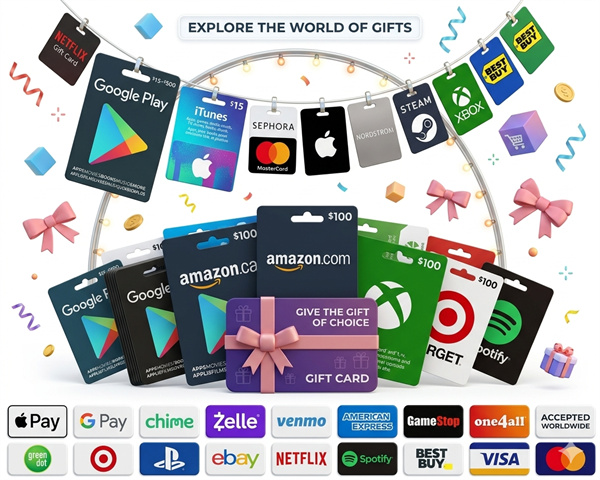
To get started, first verify your Google Play card’s critical details: check the remaining balance (you can do this by entering the code on Google Play’s redemption page), confirm the expiration date (if applicable), and note the region it’s valid for, as Play cards are often region-locked and won’t work outside their designated area; next, choose a reputable gift card swap platform—look for services with escrow protection, verified user reviews, and clear terms of service to minimize the risk of scams.
When using a swap platform, list your Google Play card with accurate information (balance, region, validity status), then browse available offers for the type of card you want (like an Amazon, iTunes, or local restaurant gift card, depending on the platform’s offerings); once you find a matching offer, follow the platform’s steps to initiate the swap, which typically involves sending your card’s code to the escrow service and waiting for the other party to submit their card’s code in return—never share your card code directly with another user before receiving the swapped card to avoid losing your funds.
After the swap is confirmed, immediately redeem the swapped card to ensure it’s valid and has the promised balance; if you encounter any issues (like an invalid code or mismatched balance), contact the platform’s support team right away, and always avoid off-platform transactions or unsolicited offers from strangers, as these are common red flags for gift card scams that can leave you without your original card or the desired item.